Macro Calculator vs Tracking Apps: Which Do You Actually Need?

CN · Metabolic Health Coach
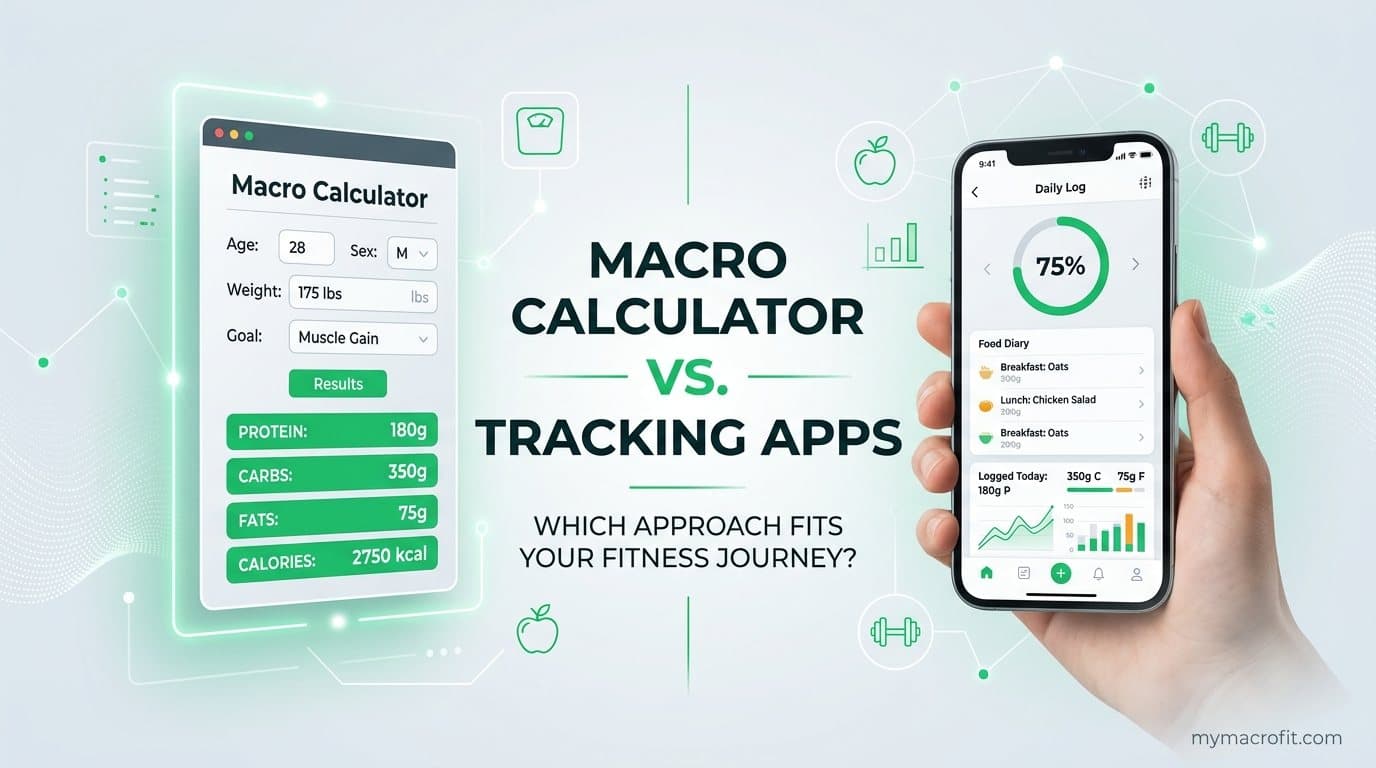
People use "macro calculator" and "tracking app" as if they're the same thing, then wonder why downloading MyFitnessPal didn't magically change their body. Here's the distinction that clears it all up: a calculator sets the target, an app checks your aim. One tells you where to go; the other tells you whether you got there. You almost always need the first. You sometimes need the second.
Two tools, two completely different jobs
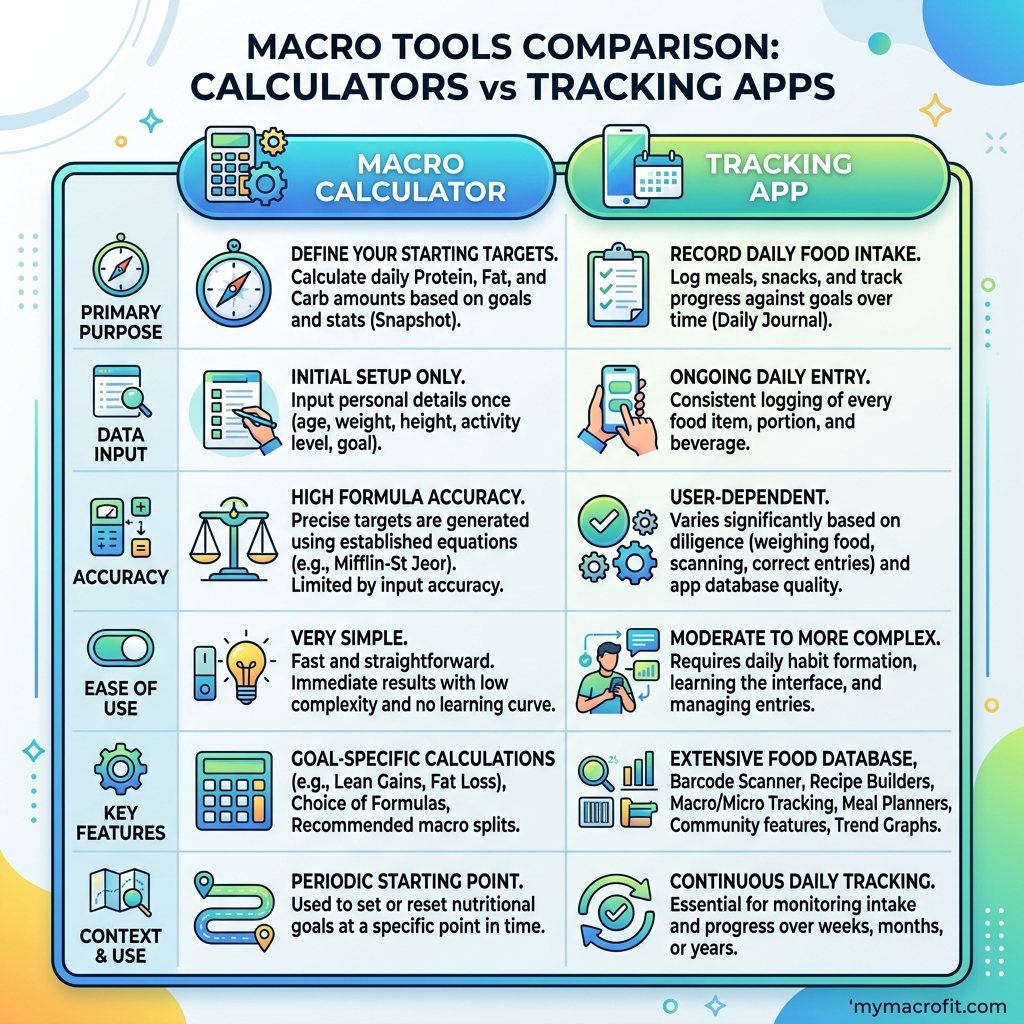
| Macro Calculator | Tracking App (MyFitnessPal / Cronometer) | |
|---|---|---|
| Main job | Sets your daily calorie + macro targets | Logs the food you eat against those targets |
| Answers | "How much should I eat?" | "How much did I eat?" |
| Needs from you | Age, weight, height, activity, goal | Every food, weighed or estimated, every day |
| Time cost | Two minutes, once (re-run occasionally) | A few minutes, every day |
| Cost | Free | Free tier + paid upgrades |
| Best for | Everyone, it's the starting point | People who track better when they log |
The key insight: an app without a target is just a calorie diary with no finish line. You can diligently log 1,800 calories a day and have no idea whether 1,800 is right for you. The calculator is what makes the number on the app mean something.
Why the calculator comes first, always
Logging food before you know your target is like stepping on a scale with no goal weight. The Macro Calculator takes your stats and your goal and returns three numbers: a calorie target, and a protein/carb/fat split to hit it. Now an app has a job, comparing your intake to those numbers. Skip this step and tracking becomes busywork: lots of data, no direction.
If you want the full chain, set maintenance with the TDEE Calculator, apply a deficit or surplus, then split it with the macro calculator. That's the part no app does for you.
When a tracking app genuinely earns its place
Apps aren't pointless, they're just downstream of the calculator. A logger like MyFitnessPal or Cronometer is worth it when:
- You're in a learning phase. Logging for two to three weeks teaches you what 30g of protein or 600 calories actually looks like. That food awareness sticks even after you stop.
- Progress has stalled and you're not sure why. Tracking surfaces the hidden calories, the oils, the "just a bite," the liquid calories, that quietly erase a deficit.
- You genuinely tally better on paper. Some people are simply more consistent when they log. If that's you, the friction is worth it.
Cronometer edges ahead on database accuracy and micronutrients; MyFitnessPal wins on barcode convenience and library size. Either works, if you've set your targets first.
When you can skip the app entirely
For a huge number of people, daily logging is friction that quietly kills adherence. The alternative: take the calculator's targets, build three or four meals you've measured once that fit those numbers, and rotate them. You hit your macros without opening an app, because the math is baked into the meals. This is how most lean people who "don't track" actually stay lean, they've just front-loaded the measuring.
How they work together: a worked example
The two tools aren't rivals, they're a sequence. Here's the whole flow for someone starting out:
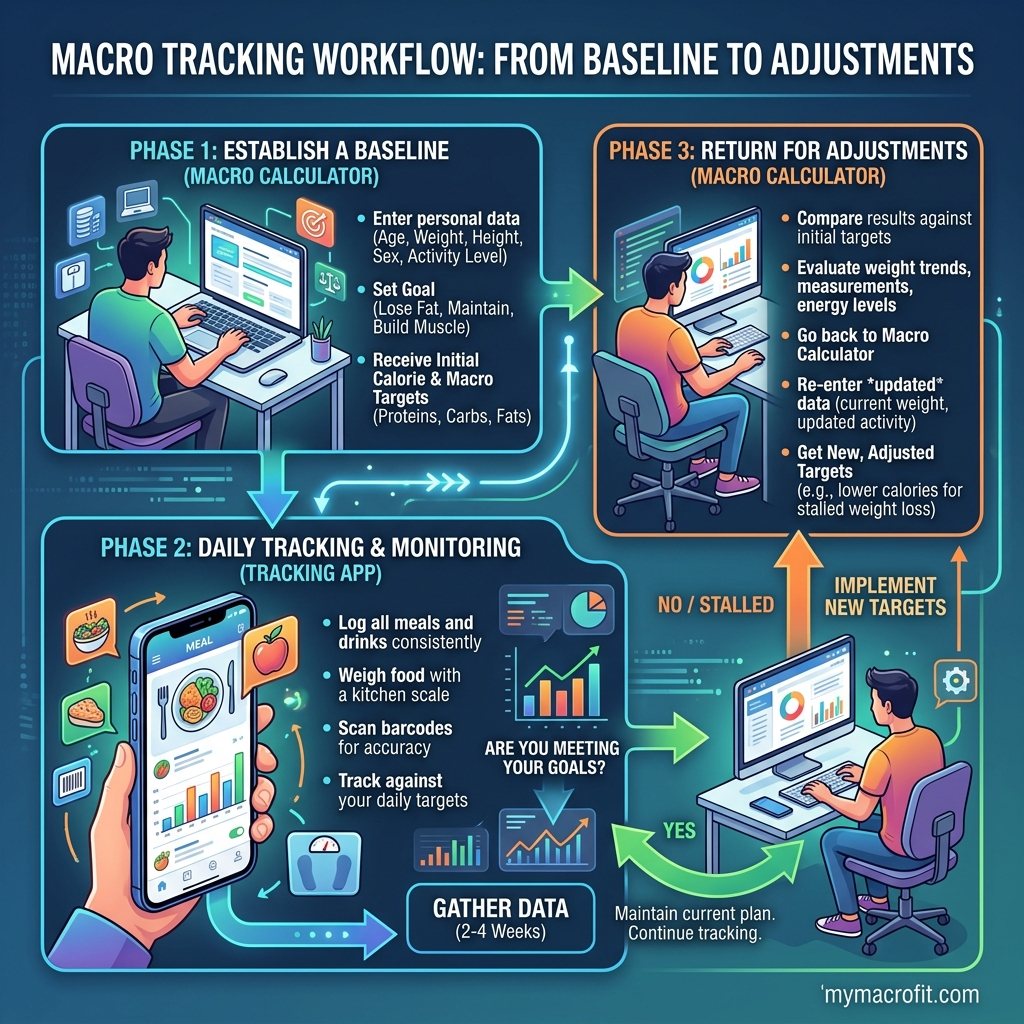
- Calculator (once). They run the Macro Calculator and get 1,900 calories and 150g protein for fat loss. That's the target. Two minutes, done.
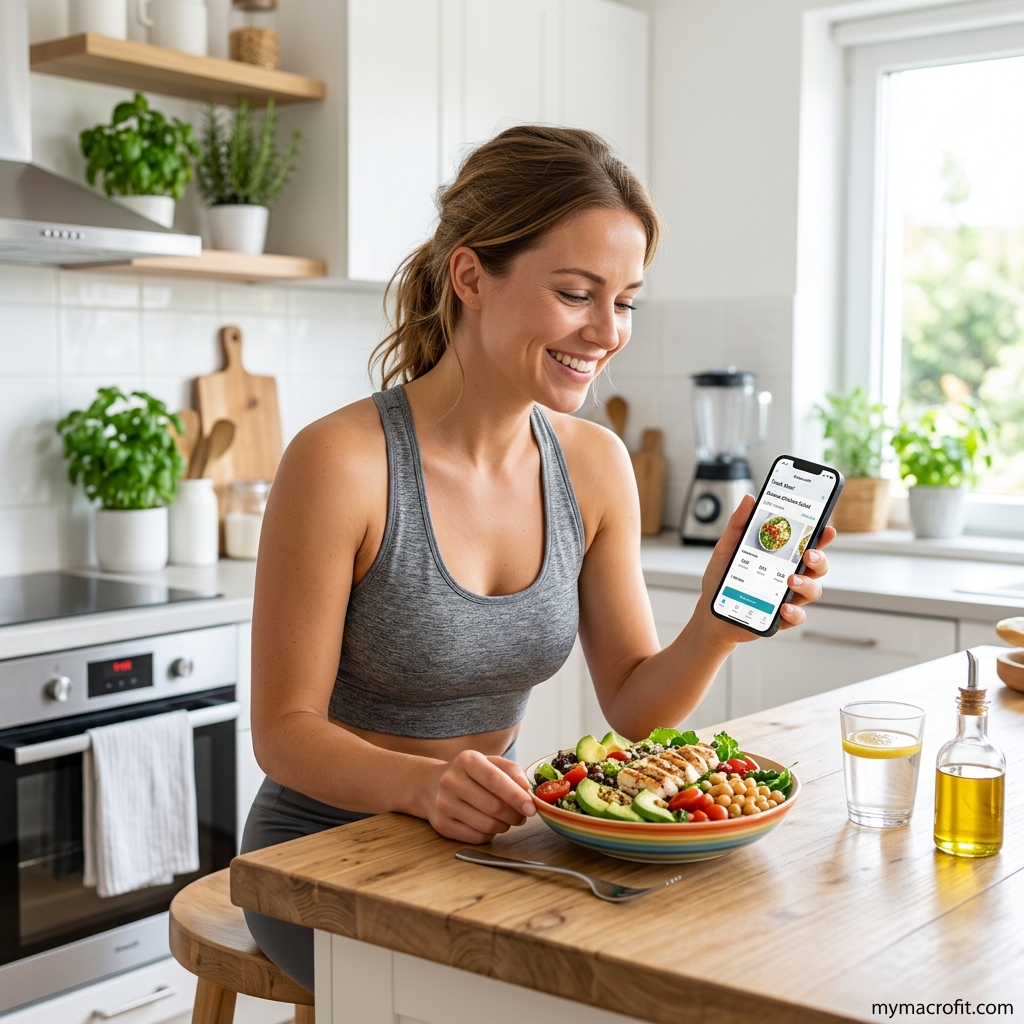
- App (a few weeks). They log food against that 1,900/150 target to learn portions and catch hidden calories. The app's only job is to answer "did I hit the number?"
- Neither (long term). Once they know their meals, they drop the daily logging and just rotate the ones that fit, re-running the calculator whenever their weight drops 4-5kg.
Notice the app is the middle, optional, temporary step. The calculator bookends the whole thing because the target is what everything else is measured against. People who skip step 1 and live in step 2 are the ones logging religiously and wondering why nothing's happening, they're measuring intake against a number they never actually set.
The error nobody mentions: a precise app, a wrong target
An app can be flawlessly accurate and still useless. If you diligently log 2,300 calories a day to the gram, but your real fat-loss target is 1,900, your precision is buying you nothing, you're just very accurately maintaining your weight. This is the trap of overinvesting in the dashboard: people obsess over barcode-perfect logging while never checking whether the number they're aiming at is right for their body and goal. Accurate logging of the wrong target is one of the most common reasons "I track everything and still don't lose."
The honest verdict
Get your numbers from the Macro Calculator, that's non-negotiable and free. Then decide whether a tracking app helps you hit them or just adds friction. The calculator is the engine; the app is an optional dashboard. Most people overinvest in the dashboard and never set the engine. Do it the other way around.
For a deeper look at the tracking side, read macro tracking vs calorie counting.
Save & share on Pinterest
Click any card to pin it — or share with someone who needs it.
Macro Calculator vs Tracking Apps: Which Do You Actually Need?
MyFitnessPal, Cronometer, and a free macro calculator do two completely different jobs. Here's the h…
MyFitnessPal, Cronometer, and a free macro calculator do two completely differen…
Read the full guide: Macro Calculator vs Tracking Apps: Which Do You Actually Need?
Try the free Macro Calculator
Macro Calculator vs Tracking Apps: Which Do You Actually Need? — use our free calculators for instan…
Pinterest opens in a new tab. You can edit the description before saving.
Ready to get your numbers?
Free calculator, instant results, no signup required.
Frequently Asked Questions
Is a macro calculator the same as MyFitnessPal?+
Do I need a tracking app if I use a macro calculator?+
Which is more accurate, a calculator or an app?+
Is Cronometer better than MyFitnessPal for macro tracking?+
Can I lose weight without tracking every day?+
I have a fitness tracker watch, does that replace either of these?+
About the Author

I'm a certified nutritionist and metabolic health coach. I went deep on keto and metabolism after reversing my own insulin resistance, and I'd rather give you the actual numbers than a hand-wave.
View full profile →